AI Image Generator for Free: Best Tools, Features, and How to Create Stunning Images (2026 Guide)

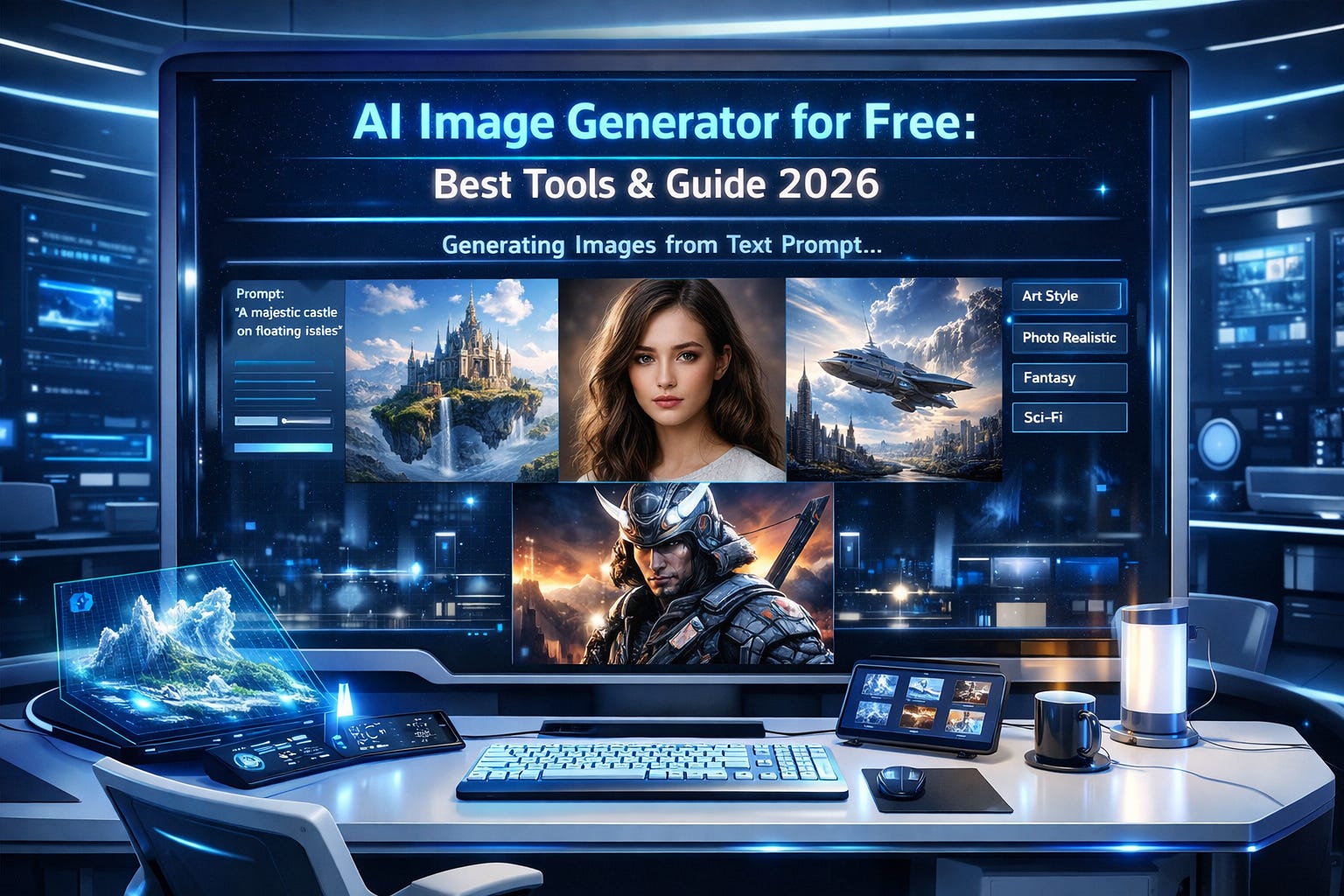
What is an AI image generator free?
A free AI image generator is an online tool that creates images from text prompts using artificial intelligence. These tools use models like diffusion or GANs to turn ideas into visuals without requiring design skills.
Which is the best free AI image generator in 2026?
Top options include DALL·E, Stable Diffusion, Bing Image Creator, Canva AI, and Midjourney (trial). Each offers unique strengths like realism, speed, or ease of use.
Can you generate images with AI for free without login?
Yes, some tools allow image creation without signup. However, they may limit features, resolution, or downloads.
Are AI-generated images safe for commercial use?
It depends on the platform. Some tools allow commercial use even on free plans, while others require paid licenses.
🎯 Key Takeaways
AI image generator free tools allow anyone to create high-quality visuals without design experience
Text-to-image AI is the most popular format, converting prompts into visuals instantly
Top tools include DALL·E, Stable Diffusion, Canva AI, Bing Image Creator, and Midjourney
Free tools often have limits like credits, watermarks, or lower resolution
Writing better prompts significantly improves image quality
AI-generated images are widely used in blogging, marketing, and social media
Always check licensing before using images commercially
AI Image Generator for Free – Complete Beginner to Pro Guide
Scroll through social media today and you’ll notice something interesting—stunning visuals everywhere. From hyper-realistic portraits to futuristic landscapes, many of these images aren’t created by designers. They’re generated by AI.
So what’s driving this shift?
Simple: speed, creativity, and accessibility.
With an ai image generator free, anyone—from bloggers to business owners—can create professional-quality images in seconds. No Photoshop. No design degree. Just a prompt.
In this guide, you’ll learn:
What AI image generators are and how they work
The best free AI image generator tools in 2026
How to create stunning images step-by-step
Pro prompt techniques most beginners miss
Free vs paid comparisons
Real-world use cases and future trends
Whether you’re just curious or ready to build visuals for your brand, this guide has you covered.
What is an AI Image Generator?
An ai image generator free tool is a software system that uses artificial intelligence to create images from text descriptions.
Think of it like this:
👉 You describe what you want
👉 The AI imagines it
👉 You get a visual output
For example:
“A futuristic city at sunset with flying cars, ultra-realistic, 4K”
Within seconds, the AI produces a detailed image matching your idea.
🔍 How It Work
AI image tools rely on technologies like:
Diffusion models – gradually build images from noise
GANs (Generative Adversarial Networks) – two AI systems compete to create realistic images
Deep learning models trained on millions of images
🌍 Real-World Use Cases
Blog featured images
Social media content
YouTube thumbnails
Marketing creatives
E-commerce product visuals
👉 According to insights from high-authority sources like Google AI Blog, generative AI is reshaping how visual content is produced globally.
How Does a Free AI Image Generator Work?
Let’s break it down step by step.
🧩 Step-by-Step Process
Input Prompt
You type a description (text prompt)AI Processing
The model analyzes your words and predicts visual patternsImage Generation
The AI produces one or multiple imagesOutput & Download
You select and download your preferred result
🧠 Types of AI Image Generation
1. Text-to-Image AI
Converts text into images
Most popular type
Example: “A lion wearing sunglasses”
2. Image-to-Image AI
Transforms existing images
Used for editing or enhancement
⚡ Why Prompts Matter
Your results depend heavily on your prompt quality.
👉 Vague prompt = basic image
👉 Detailed prompt = stunning output
Best Free AI Image Generators (2026)
Here are the top tools dominating the space.
1. DALL·E
Best for: Realistic images
Features:
High-quality outputs
Natural prompt understanding
Easy-to-use interface
Limitations:
Free credits are limited
2. Midjourney
Best for: Artistic visuals
Features:
Unique art styles
Community-driven creation
Limitations:
Requires Discord
Limited free trial
3. Stable Diffusion
Best for: Open-source flexibility
Features:
Free and customizable
No watermark
Can run locally
4. Canva AI Image Generator
Best for: Beginners
Features:
Drag-and-drop editor
Integrated design tools
5. Bing Image Creator
Best for: Free and fast generation
Features:
Powered by advanced AI
Free daily usage
Comparison Table
Tool Free Plan Watermark Ease of Use Best For
DALL·E Yes No Easy Realistic images
Midjourney Trial No Medium Art
Stable Diffusion Yes No Advanced Customization
Canva AI Yes Sometimes Very Easy Beginners
Bing Image Creator Yes No Easy Quick use
Free AI Image Generator Without Login
Looking for ai image generator free without login?
Here are your options:
🔓 Tools Without Signup
Bing Image Creator
Some Stable Diffusion web demos
Basic AI art generators
✅ Pros
Instant access
No data sharing
❌ Cons
Limited features
Lower resolution
Features to Look for in a Free AI Image Generator
Choosing the right tool can make or break your experience.
🔍 Must-Have Features
No watermark
High-resolution output
Prompt customization
Fast generation speed
Commercial usage rights
👉 According to OpenAI research, better prompt control leads to significantly improved image outputs.
How to Use an AI Image Generator for Free (Step-by-Step)
This is where things get exciting.
🪄 Step-by-Step Guide
Choose a tool
Enter a detailed prompt
Select style (realistic, cartoon, etc.)
Click generate
Download or edit
🎯 Example Prompt
“A cinematic portrait of a cyberpunk girl, neon lights, ultra-detailed, 8K, realistic lighting”
Best Prompts for AI Image Generators (Pro Tips)
If your images look average, your prompts probably are too.
🧠 Prompt Formula
[Subject] + [Style] + [Lighting] + [Quality] + [Mood]
🔥 Examples
“A futuristic city at sunset, ultra-realistic, 4K, cinematic lighting”
“A fantasy dragon flying over mountains, detailed, dramatic sky”
💡 Pro Tips
Use descriptive adjectives
Mention resolution (HD, 4K)
Add artistic styles (oil painting, cyberpunk)
Free vs Paid AI Image Generators
Feature Free Paid
Quality Medium–High High
Watermark Sometimes No
Usage Limits Limited Unlimited
Commercial Use Restricted Allowed
Benefits of Using Free AI Image Generators
Why are people switching so fast?
🚀 Key Benefits
Saves money
Saves time
Boosts creativity
No design skills required
Limitations of Free AI Image Tools
Nothing is perfect.
⚠️ Common Drawbacks
Limited credits
Lower quality sometimes
Copyright concerns
Watermarks
Use Cases of AI Image Generators
📌 Where You Can Use Them
Blogging (SEO images)
Social media posts
YouTube thumbnails
Ads & marketing creatives
Product mockups
👉 Platforms like HubSpot emphasize visual content as a key driver of engagement.
Are Free AI Image Generators Safe to Use?
Generally, yes—but be cautious.
🔐 Safety Tips
Use trusted platforms
Avoid uploading sensitive data
Check privacy policies
Future of AI Image Generation (2026 & Beyond)
What’s next?
🔮 Trends to Watch
Hyper-realistic visuals
AI video generation
Personalized AI designers
Growth of open-source tools
👉 Experts at MIT Technology Review predict AI creativity tools will dominate digital production workflows.
FAQs
1. What is the best free AI image generator?
The best free AI image generator depends on your needs. DALL·E is ideal for realistic images, while Stable Diffusion offers customization. Bing Image Creator is great for quick results, and Canva AI works well for beginners.
2. Can I use AI-generated images for commercial use?
Yes, but it depends on the platform’s licensing terms. Some free AI image generator tools allow commercial use, while others restrict it. Always check usage rights before using images for business or monetization.
3. Are AI image generators really free?
Most tools follow a freemium model. You get limited free credits or features, while advanced capabilities require payment. Still, many free AI image generator options are sufficient for beginners.
4. Which AI image generator has no watermark?
Stable Diffusion and Bing Image Creator usually offer images without watermarks. Some tools may add watermarks in free plans, so it’s important to check before downloading.
5. How to create AI images without login?
You can use tools like Bing Image Creator or certain web-based Stable Diffusion demos. Simply enter your prompt, generate the image, and download it—no signup required.
Conclusion
AI image generation isn’t just a trend—it’s a shift in how visuals are created.
With an ai image generator free, you can turn ideas into stunning images within seconds. Whether you’re a blogger, marketer, or creator, these tools remove barriers and unlock creativity.
The real secret?
👉 Learn the tools
👉 Master prompts
👉 Experiment constantly
That’s how you go from average images to scroll-stopping visuals.